macOS · Windows · Linux

Your disk is congested. See what’s piling up.

Congestus scans your computer in seconds and shows where the space went: the biggest files, a map of every folder, and the forgotten leftovers you can clear today.

Free for 40 daysNothing leaves your computerEnglish · Español · Français · Deutsch · Italiano

Congestus
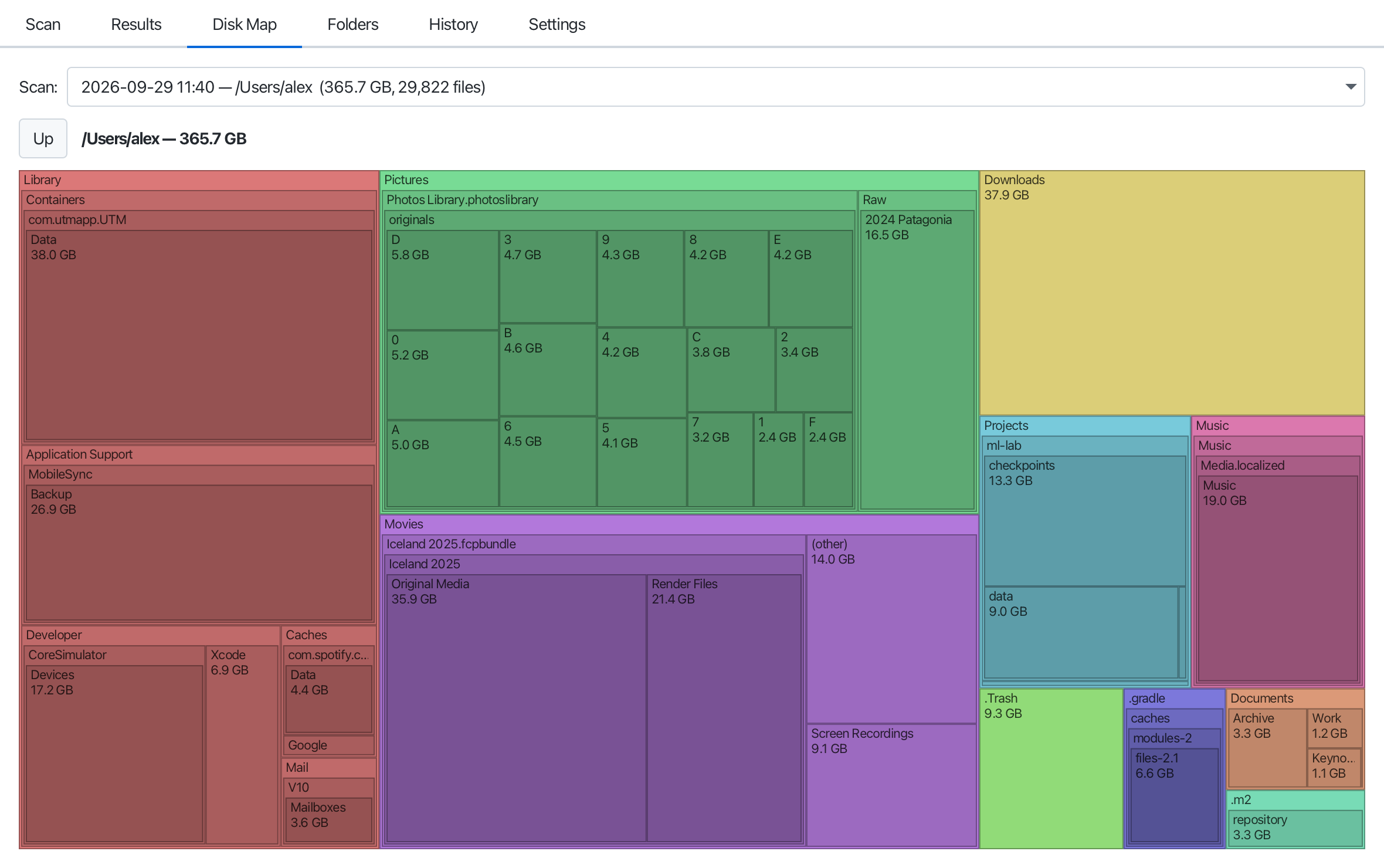
The Congestus Disk Map: every folder of a home directory drawn as a rectangle sized by what it holdsThe Congestus Disk Map: every folder of a home directory drawn as a rectangle sized by what it holds

The usual suspects

Space rarely goes where you think. These are the kinds of things Congestus puts in front of you in the first minute.

Disk image

Forgotten virtual machines

Disk images from UTM, Parallels or VirtualBox that you tried once and never deleted.

Video

Renders and exports

Final Cut render files, screen recordings, the same export in three versions.

Installers

Old installers

Xcode, macOS installers and ISO files still sitting in Downloads.

Trash

The Trash

Yes, it still counts.

Backups

Phone backups

Years of iPhone backups in a folder you never open.

Developer

Developer caches

DerivedData, simulators, node_modules, Gradle and Maven caches.

Photos

Photo and music libraries

See which years and albums take the room before you decide anything.

Built to answer one question, fast

Where did my disk space go? Congestus answers it in seconds, then helps you act on the answer, safely.

Millions of files in seconds

One virtual thread per folder: Congestus reads your disk as fast as it can deliver. Cancel any time and keep what was found.

A map of your disk

The Disk Map draws every folder as a rectangle sized by what it holds. Click to drill down, right-click to reveal it.

The biggest files, filtered

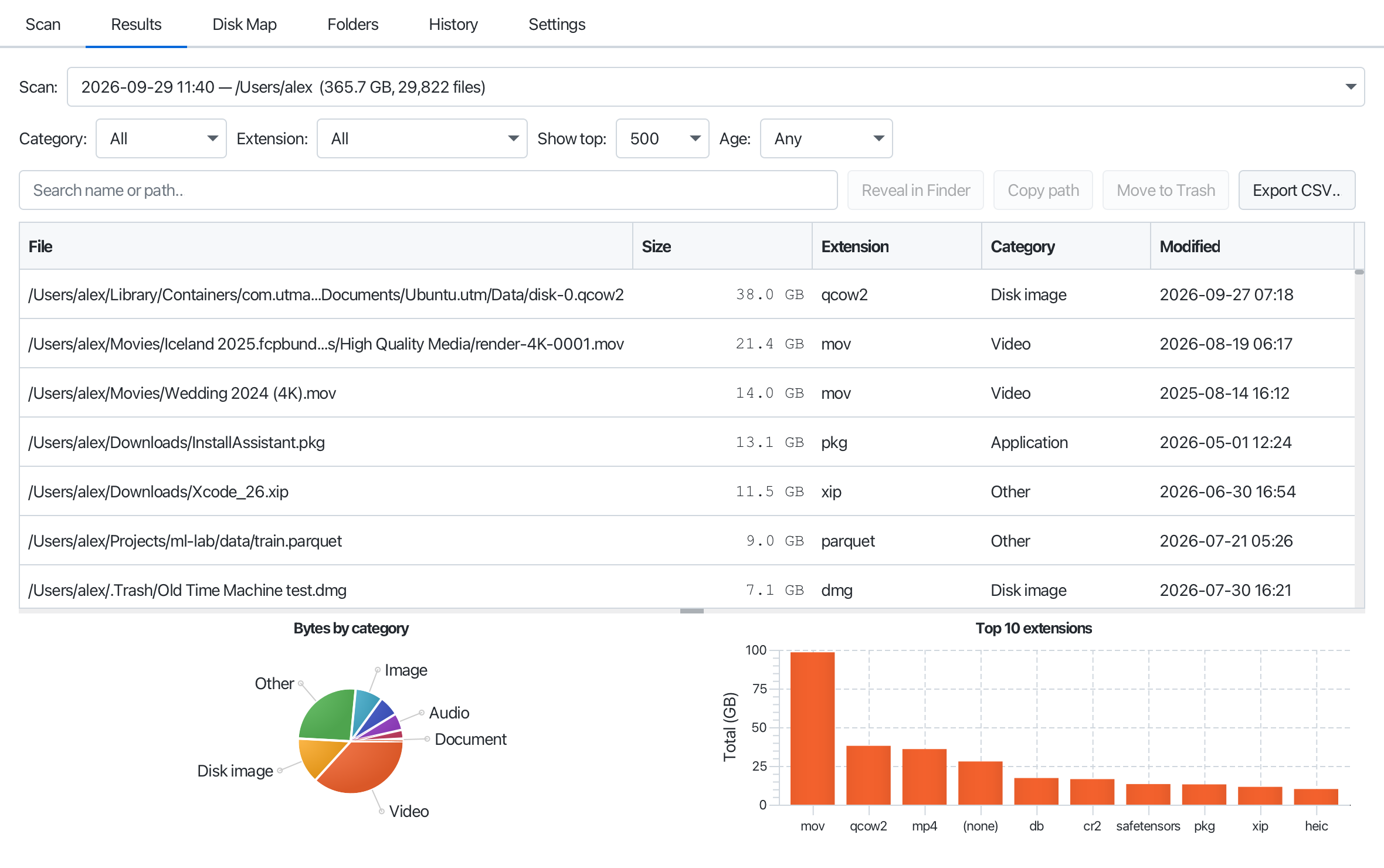
Filter by type, extension or age, search by name, and export the list as a spreadsheet-ready CSV.

What grew since last time?

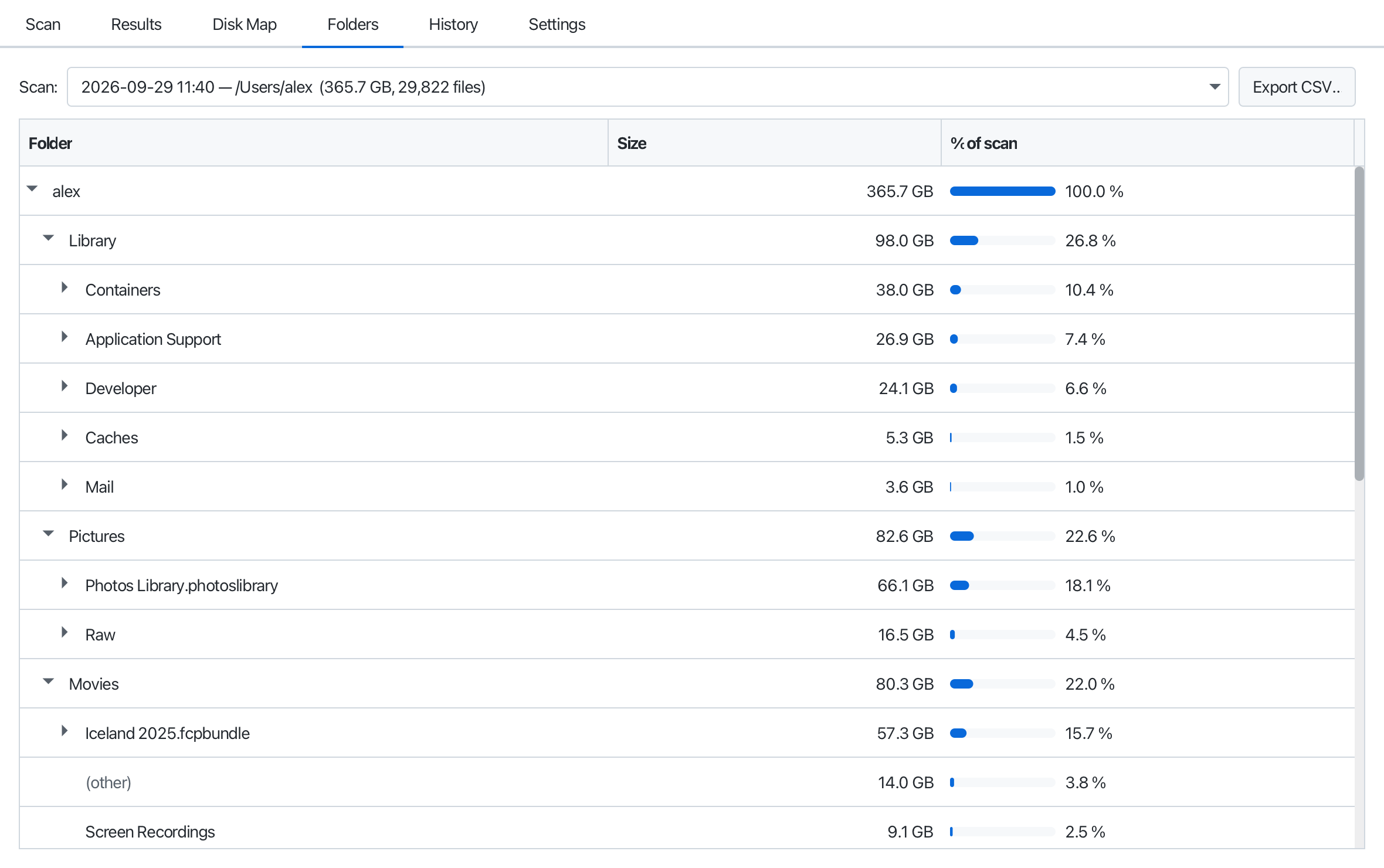
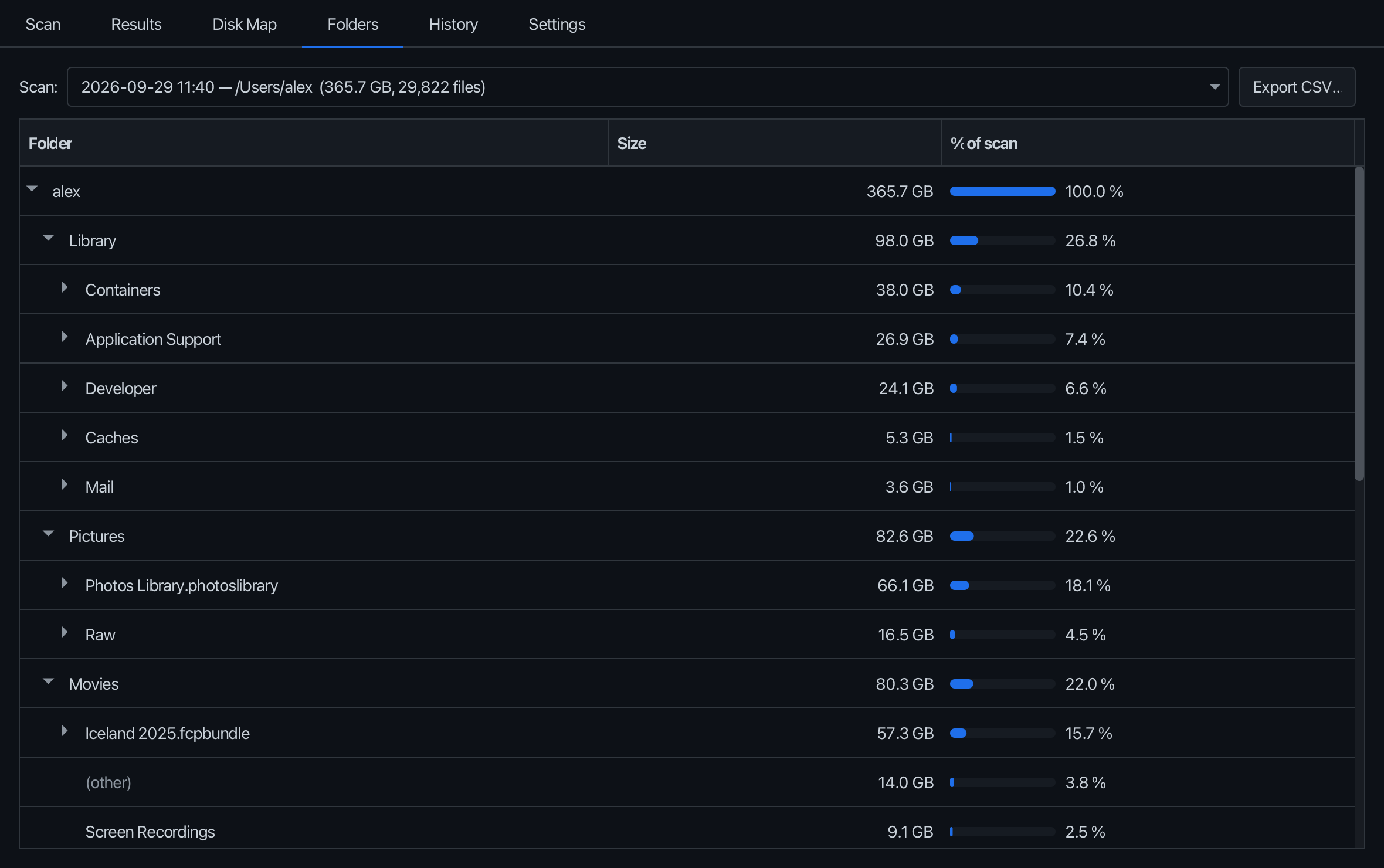
Every scan is saved. Compare two scans of the same folder and see exactly which folders grew.

Clean up safely

Files go to the Trash or Recycle Bin, never straight into oblivion, and only after you confirm.

Private by design

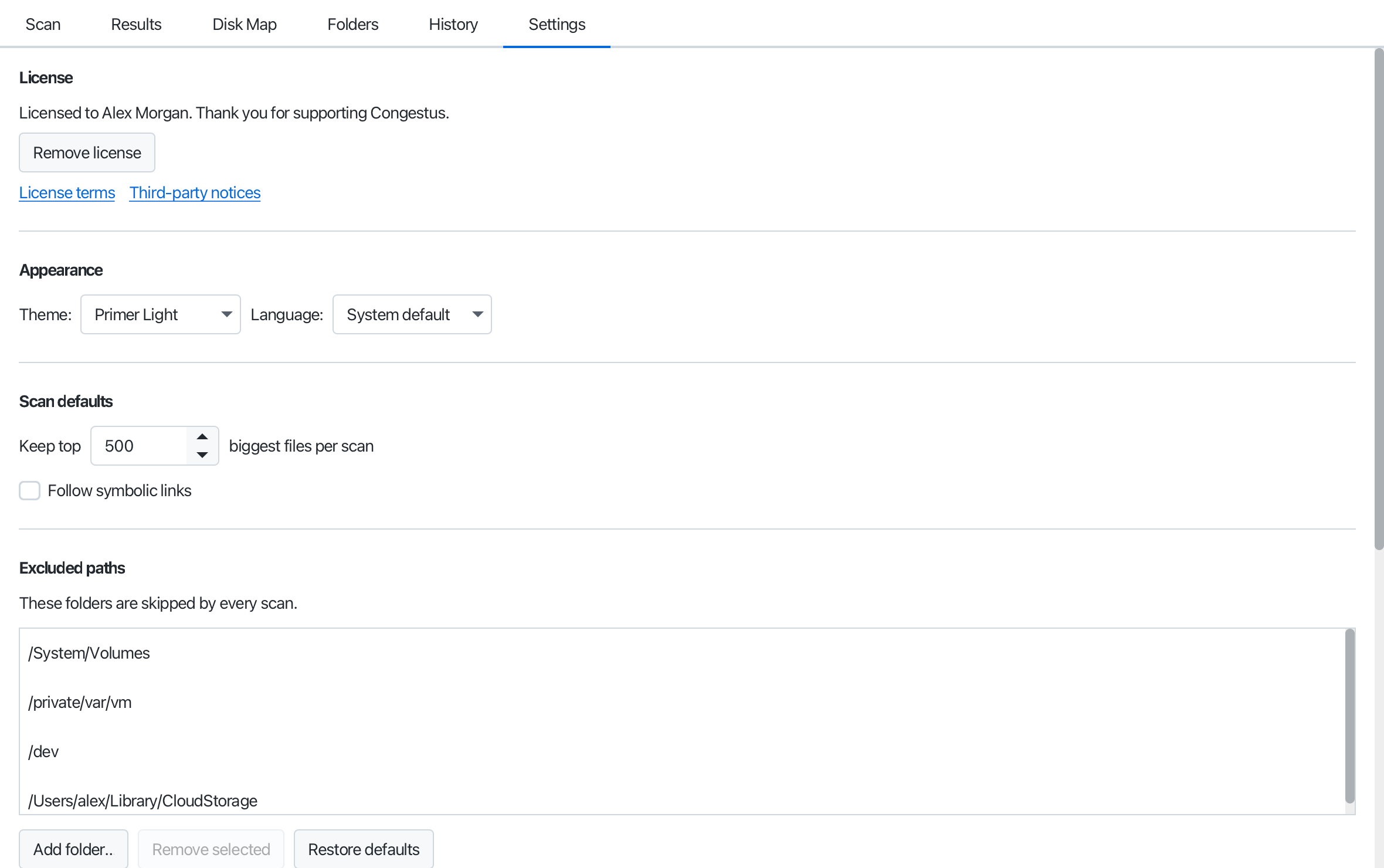
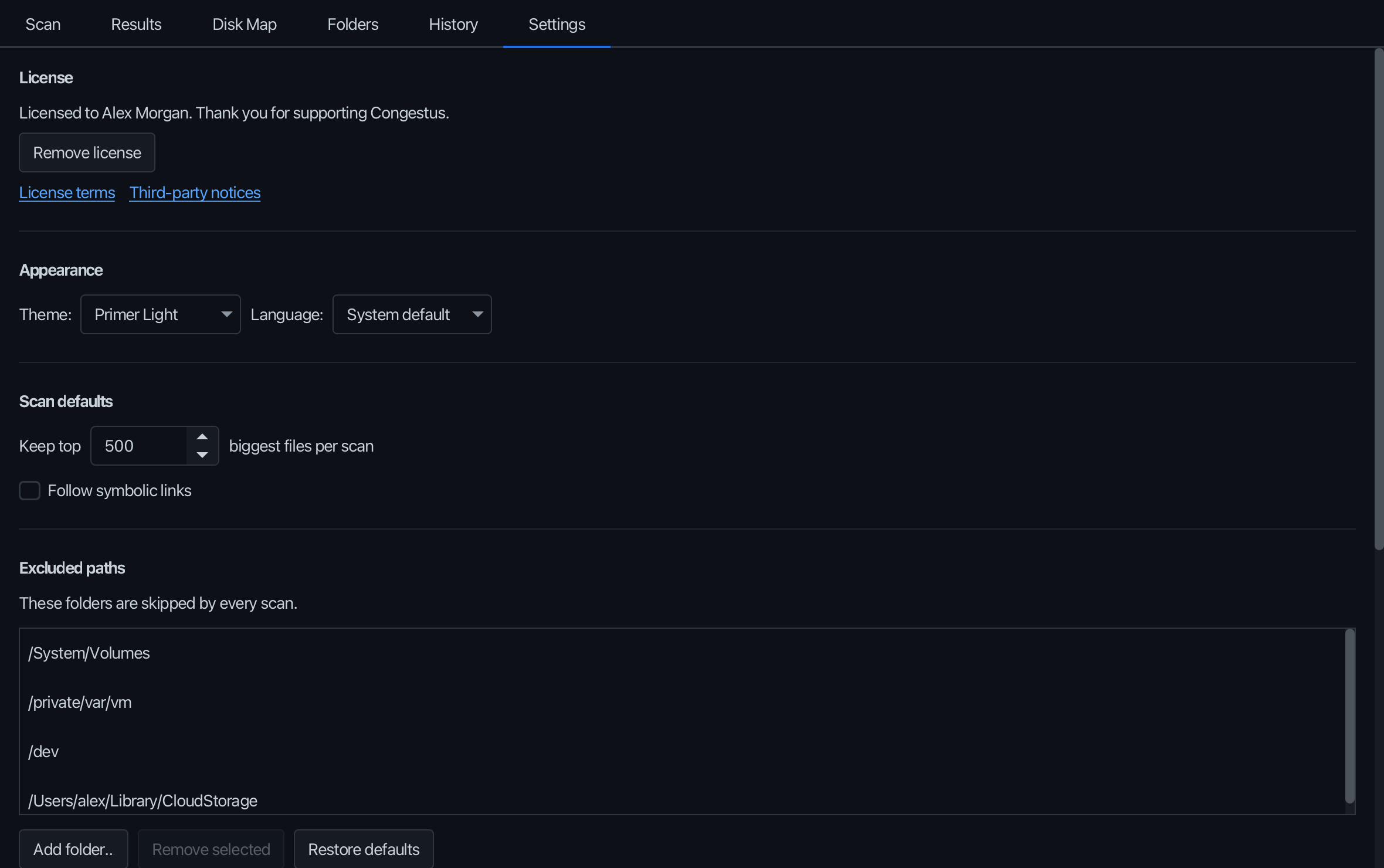
No account, no telemetry. Scans stay on your computer. The only network call is an optional daily version check.

See it in action

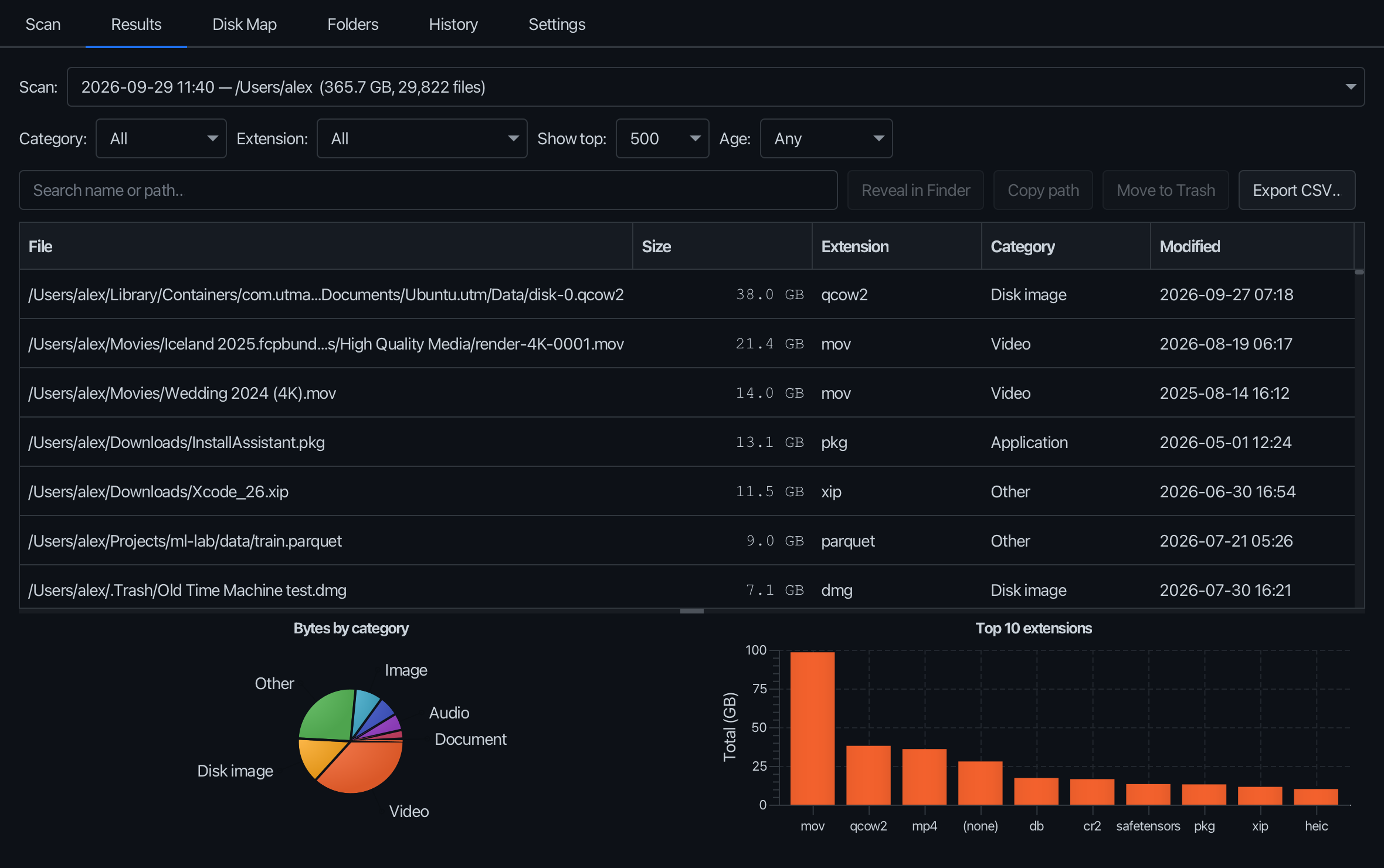
Light or dark, in five languages. It follows your system.

Congestus
The Disk Map: every folder sized by what it holds. Click to drill in.The Disk Map: every folder sized by what it holds. Click to drill in.
The Disk Map: every folder sized by what it holds. Click to drill in.

Why Congestus?

Cumulus congestus is the towering cloud you see building on a summer afternoon. It keeps growing, quietly, until the rain comes.

Disks fill up the same way: a video export here, an installer there, a backup you forgot. Nothing dramatic, until the day your computer says the disk is full.

Congestus shows you what’s piling up while there’s still time to clear it.

In Spanish, English, French and Italian the name also sounds like congestion. Which is exactly what a full disk is.

Download Congestus 1.0.0

Free for 40 days, every feature included. The installers bring everything they need: no Java to install.

macOS

Apple Silicon · .dmg · signed and notarized by Apple

Coming soon

Windows

Windows 10 and 11, 64-bit · .msi

Coming soon

Linux

Ubuntu, Debian and derivatives, 64-bit · .deb

Coming soon

Installers are published here with every release, with their SHA-256 checksums.

Try it for 40 days. Then €5, once.

The full app from the first launch. If you keep using it after the trial, buy a license: it’s how Congestus stays independent.

Trial

Free
for 40 days from the first launch
  • Every feature
  • No account, no card
  • After 40 days, a reminder at launch. Nothing is locked
Download

Questions

Is there a free trial?

Yes: 40 days from the first launch, with every feature and no account. After that, a copy without a key shows a short reminder at launch and its window title reads “evaluation copy” until a key is entered. Nothing is locked; Congestus relies on you to buy a license if you keep using it.

Does Congestus delete my files?

Only when you ask, and only to the Trash (macOS, Linux) or the Recycle Bin (Windows), after a confirmation. Scanning only reads file names, sizes and dates. It never opens or changes your files.

Does it send anything anywhere?

No accounts, no telemetry, no crash reports. Scans are stored on your computer. License keys are verified locally against a public key. The only network call is a once-a-day check of congestus.app for a newer version and for revoked license keys, and you can switch it off in Settings.

Why do I see access errors on macOS?

macOS protects some folders. To scan the whole disk, give Congestus Full Disk Access in System Settings → Privacy & Security, then scan again.

Windows says the publisher is unknown. Is that normal?

For now, yes: SmartScreen warns about new publishers until our Windows signing certificate is in place. Choose More info, then Run anyway. The macOS version is signed and notarized by Apple.

Who needs a license?

Anyone who keeps using Congestus after the 40-day trial, at home or at work. It’s €5 per person, once, and it covers every future version. An organization buys one license per user, or one per shared computer.

Refunds and invoices?

Purchases are handled by Stripe (Managed Payments), our reseller of record: they issue the invoice with VAT for your country and handle refunds under their terms.

Find out what’s filling your disk.

Forty days free. No account. Nothing leaves your computer.

Download the free trial